Keep the catalog date and the printed date
The Library of Congress labels one Virginia Gazette issue January 5, 1739, with a note that it was published as January 5, 1738. Both dates belong in a careful description. The title record explains that some January-to-March issues in this early run carry the previous year in their printed date. Choosing a year without reading that note could put an otherwise genuine clipping in the wrong place in your account.
Open the issue record before using the page. Save the newspaper title, place of publication, catalog date, edition, and the exact page link. If a date is supplied or qualified by the catalog, keep that qualification. The date on a newspaper also identifies its publication; an event described in its columns may have happened earlier. Check the article itself before assigning the event that date.
A newspaper title is not a complete run of scans
A title record can cover many decades. The Topeka State Journal record, for example, lists a publication run from 1892 to 1980. That heading does not tell you that every issue from those years is available as a digital image. Check the issue calendar or available-page list, then open the issue you need. A record for a newspaper and a scan of one of its pages are different things.
The separate Directory of U.S. Newspapers in American Libraries can point to titles and library holdings, including material that the Library of Congress does not hold. A catalog entry may help you locate print or microfilm rather than give you an online page. If a search turns up nothing, describe what you searched. A missing result cannot establish that a newspaper never covered the subject.
Use the searchable text to find the passage
The Image w/Text view puts a newspaper scan beside text produced by optical character recognition, usually called OCR. The Library's guide warns that this machine reading contains errors. Use it to find a passage, then read the scan closely before quoting a name, date, amount, or sentence. Enlarging the image can settle a letter that looks convincing in the searchable text.
Follow the columns and any continuation onto another page. Check whether you are reading a news report, an editorial, a letter, or an advertisement. Keep those labels in your notes. A search hit for a phrase tells you where the software found text; it does not count separate events, witnesses, or people. Repeated notices and reprinted material need closer reading before you draw a wider conclusion.
Compare the account with another issue
Read the headline beside the article instead of letting the headline stand for the whole account. Notice who speaks, who is named, and whose explanation is absent. The Library's newspaper-analysis guide recommends comparing coverage of the same topic on another day, in another place, or both. That comparison gives you something concrete to examine: different details, wording, placement, and sources.
A contemporary report is evidence of what the newspaper published. Work out which claims it can support before describing it as proof of an event. If a later issue supplies a correction or more detail, preserve that connection. When writing about the clipping, name the publication and the date: readers should be able to distinguish the newspaper's claim from your own explanation of it.
Link the page and check reuse separately
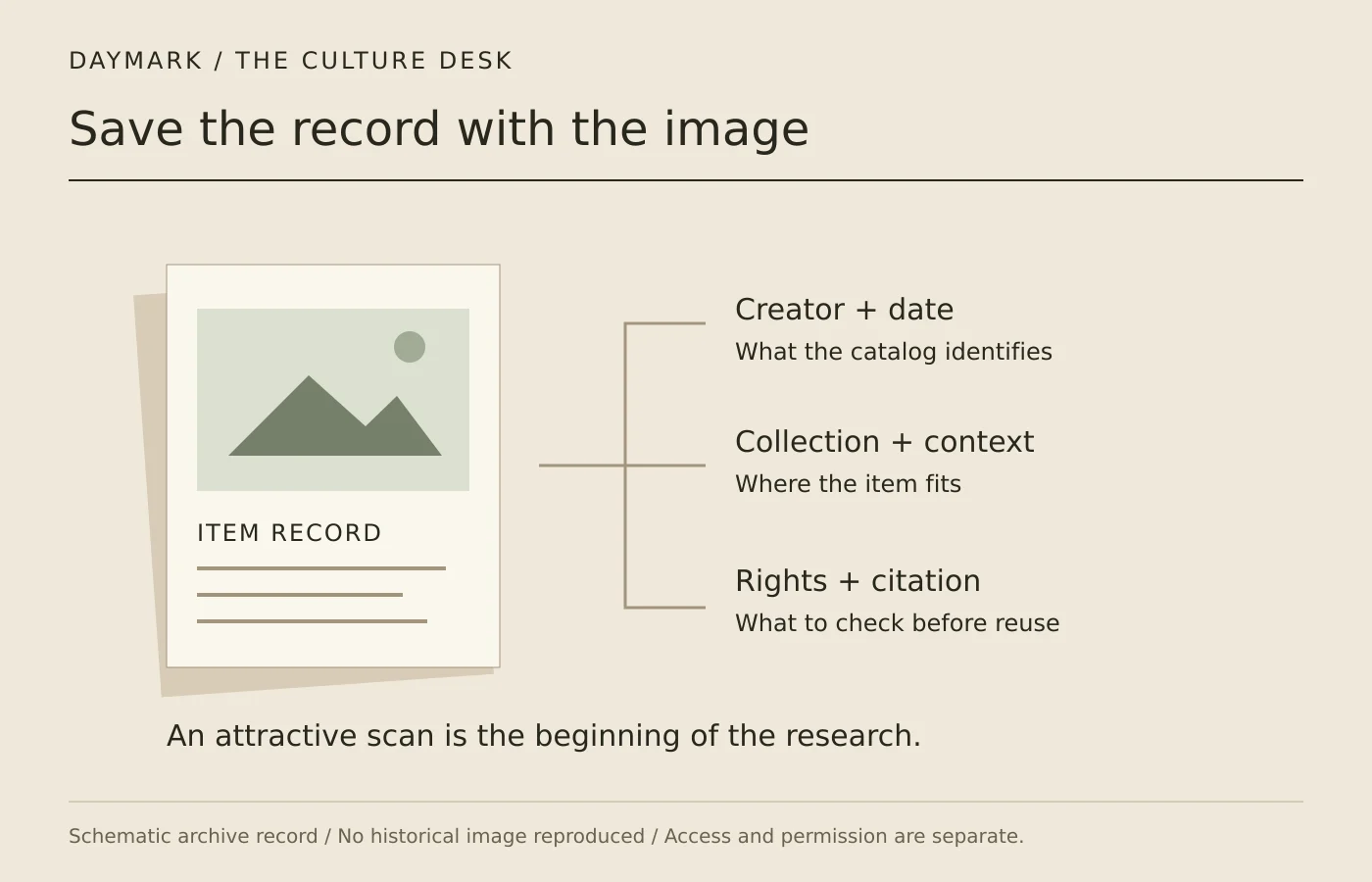
For a specific passage, keep a link to its page rather than only to the newspaper title. The Library distinguishes an issue link from a resource link with a page selector. Include the edition and page information in the citation, and compare the generated citation with the record. A saved crop should still have enough source information to lead someone back to the surrounding page.
Reading a digitized newspaper and republishing it are separate uses. Chronicling America describes its newspapers as public domain or without known copyright restrictions, while warning that newer included papers can contain copyrighted third-party material. Follow the collection and item rights statements before reusing a scan. A clear source credit identifies what you found; it does not replace permission when permission is needed.
Sources
- Library of Congress: Virginia Gazette, January 5, 1739, printed as January 5, 1738
- Library of Congress: Topeka State Journal title and holdings record
- Library of Congress: Directory of US Newspapers in American Libraries
- Library of Congress: Reading newspaper images and OCR
- Library of Congress: Analyzing newspapers
- Library of Congress: Newspaper page citations and links
- Library of Congress: Chronicling America rights and access
Our editorial standards explain how sources and automated briefings are handled.